The operator stays in control
Service Timer and Controller handle the live clock, transitions, time adjustments, notes, and active item.
Build scripts, documents, and run-of-show plans before production. Then carry that work into the Prompter, live timer, team views, and displays so everyone knows what is happening now and what comes next.
From first draft to live production, keep the content, timing, cues, and people connected.
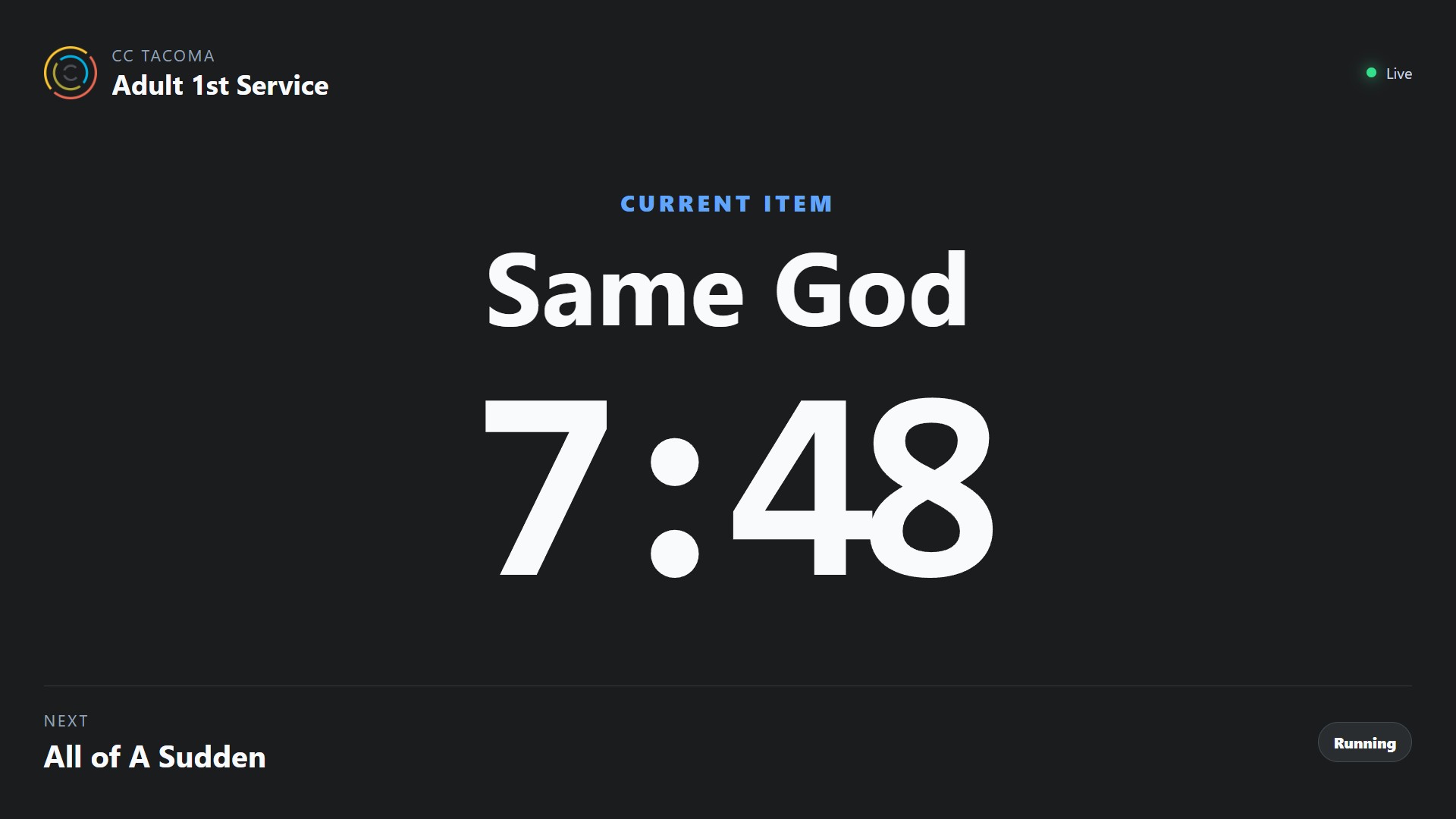
ServiceTimer is designed around the production itself instead of a collection of disconnected tools. Start with the content and plan, prepare the team, then move into one shared live state.
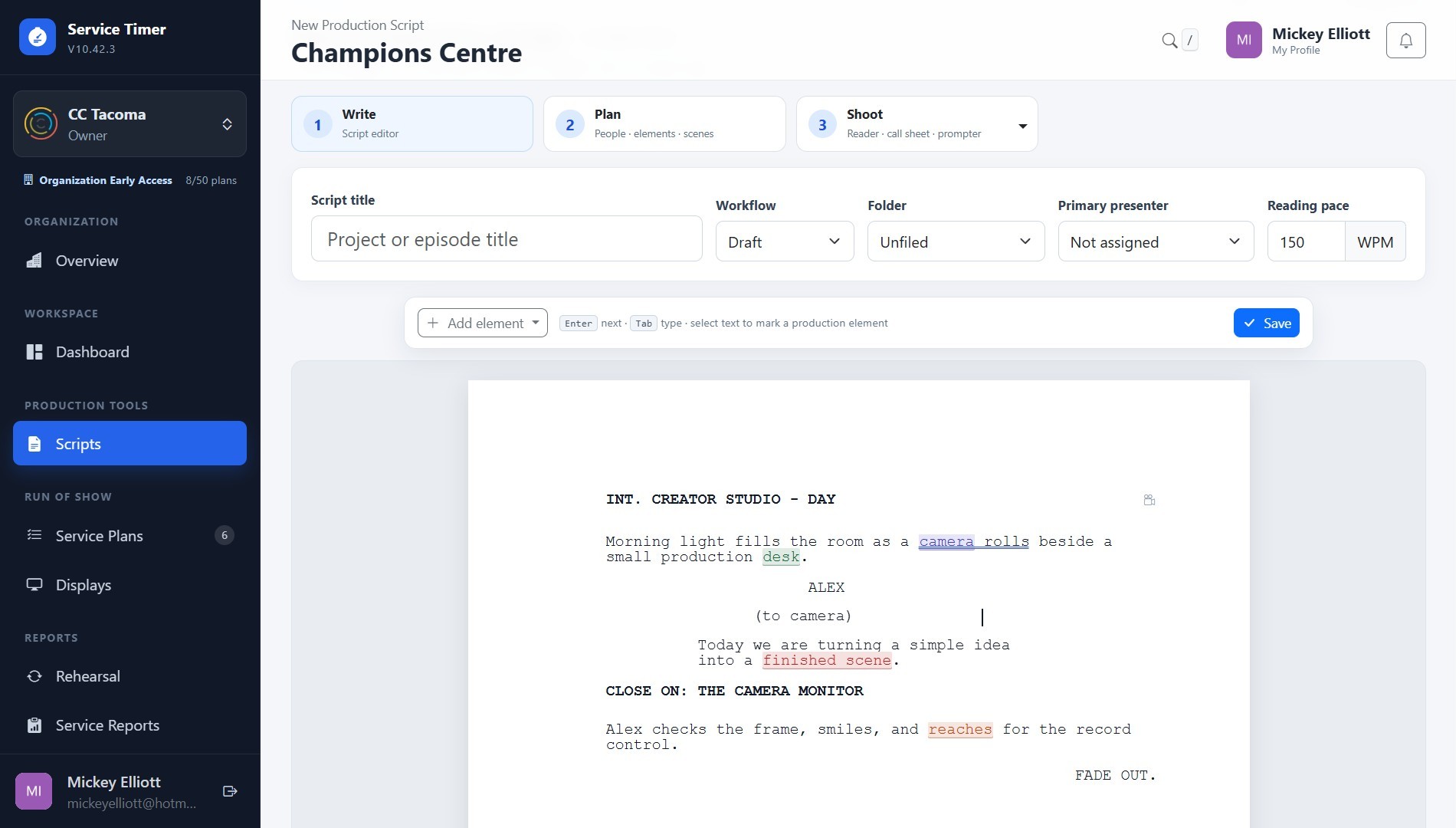
Create Scripts and Documents where the production work already lives, then move presenter-ready content directly into the Prompter instead of rebuilding it in another app.
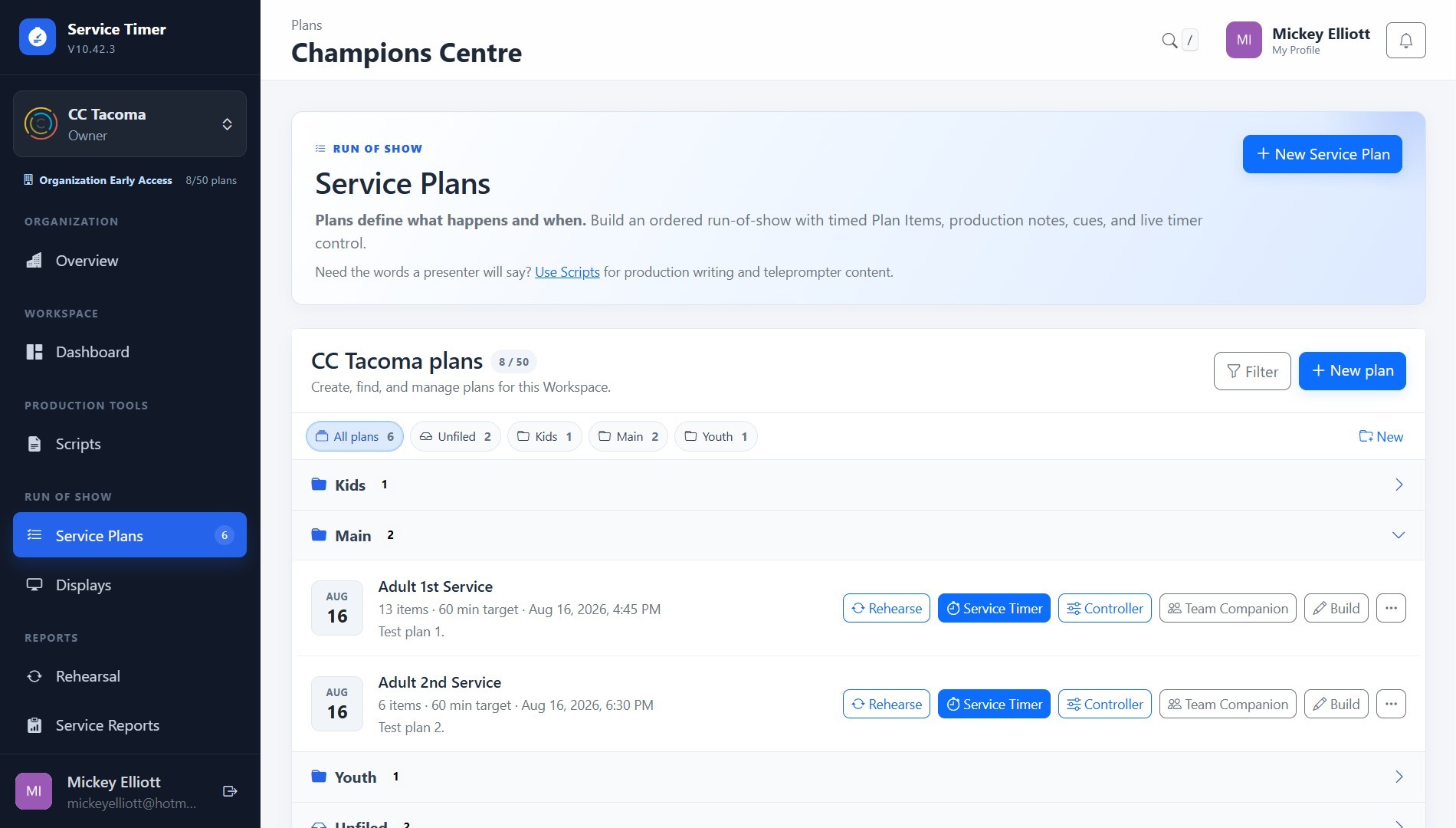
Create the rundown, attach the content, prepare transitions and cues, and take that same Plan into the live service. The operator controls the clock while everyone else follows the view meant for them.
ServiceTimer keeps the timing and current production state connected while letting each person see only the information they need.
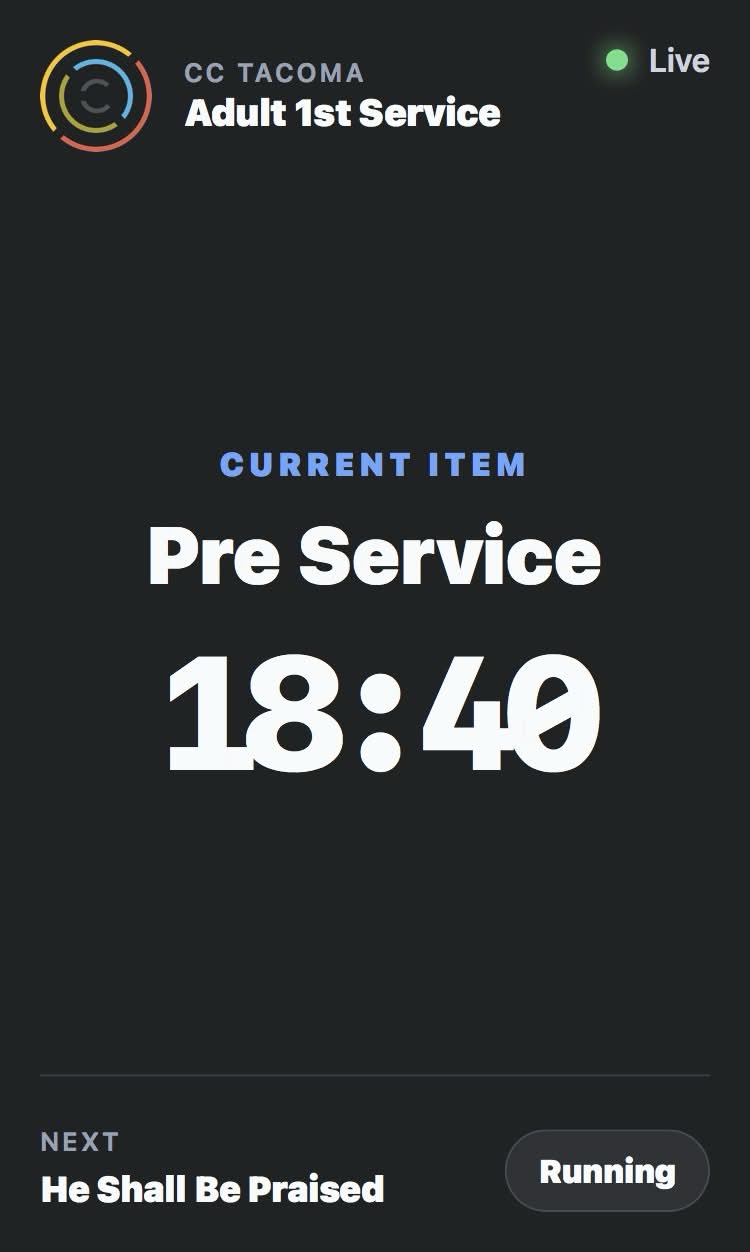
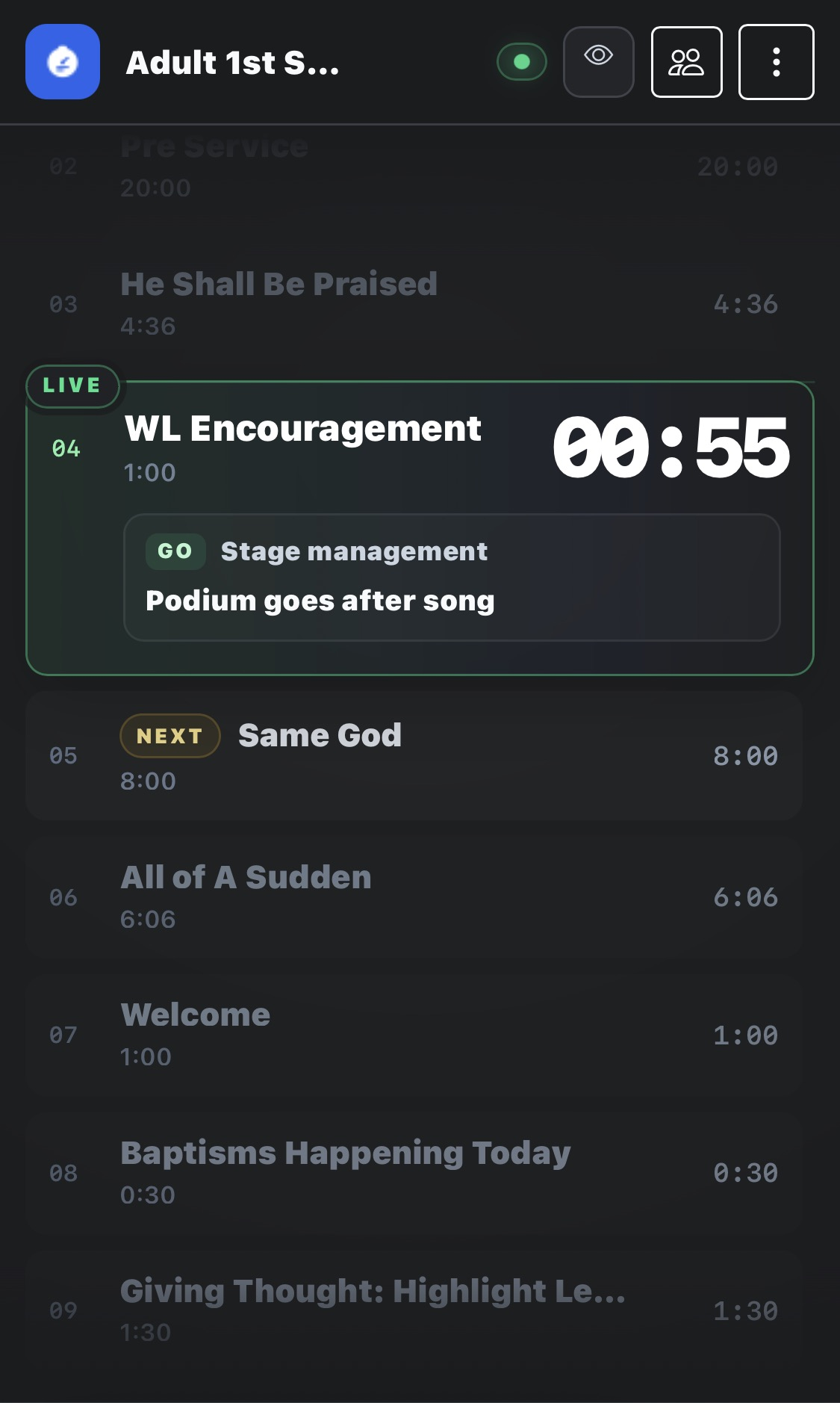
Service Timer and Controller handle the live clock, transitions, time adjustments, notes, and active item.
Team Companion keeps volunteers and crew focused on the current item, next item, cues, and timing.
Backstage, green-room, lobby, and production Displays follow the same live session automatically.
These features support preparation, reliability, organization, and review without becoming the center of the homepage—or the production.
Practice timing and transitions before going live without contaminating the production session.
Review planned versus actual timing and keep post-service history when analysis matters.
See active services, current items, operator health, and what is happening across the Workspace.
Authoritative live timing and reconnect behavior help the production recover cleanly from browser or connection interruptions.
Separate ministries, campuses, teams, or production groups while keeping ownership and access organized.
Give the right people timely production context without making everyone operate the service timer.
Individual accounts keep solo and small productions focused. Church & Ministry accounts add the organization structure needed for shared live production.
For creators, presenters, and live producers working independently or with a very small team.
For churches and teams coordinating people, Workspaces, displays, and live services.
Then let ServiceTimer keep the content, clocks, cues, screens, and people moving together.