Create or sign in
- Select Sign up or Sign in.
- Complete authentication through your identity provider.
- Your first organization and starter plan are prepared when needed.
Everything you need to plan services, operate the timer, coordinate teams, and manage your organization.
Service Timer separates planning, organization management, live operation, and viewer screens.
Plans, folders, users, displays, permissions, and billing always belong to the organization selected in the dashboard sidebar.
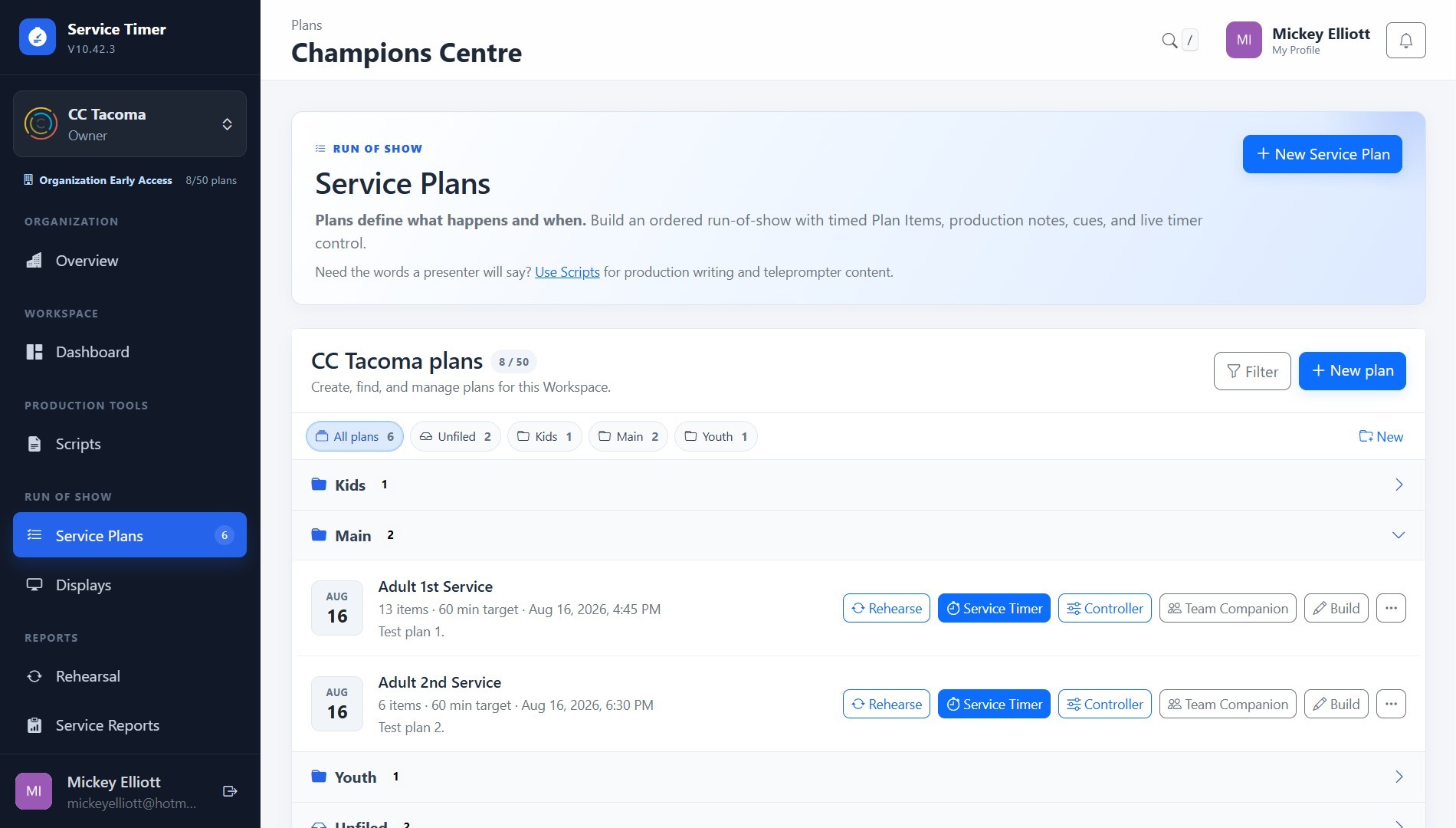
The dashboard summarizes the selected organization and its current activity.
Use the selector at the top of the sidebar to change organizations. The workspace reloads with only that organization’s content. The same menu lets you find or create an organization.
Active plans are grouped by folder. Use Manage plans for filters and organization, or New plan when your limit permits it.
Every unfinished service appears independently with its plan, folder, operator, state, code, copy button, and viewer link. Different plans can operate simultaneously.
Running, Paused, and Ready reflect the timer. Disconnected means the operator heartbeat is missing and the service can be recovered.
Plans contain the ordered items, times, descriptions, and notes used during a service.
Archive hides a plan but preserves it for restoration. Delete permanently removes the plan and its items.
Create folders such as Main, Youth, Kids, Weddings, or Events. Rename or remove folders from Plans. Removing a folder moves its plans to Unfiled.
Individual stores two plans. Early Access/Pro stores up to 100. Archived plans still count as stored plans.
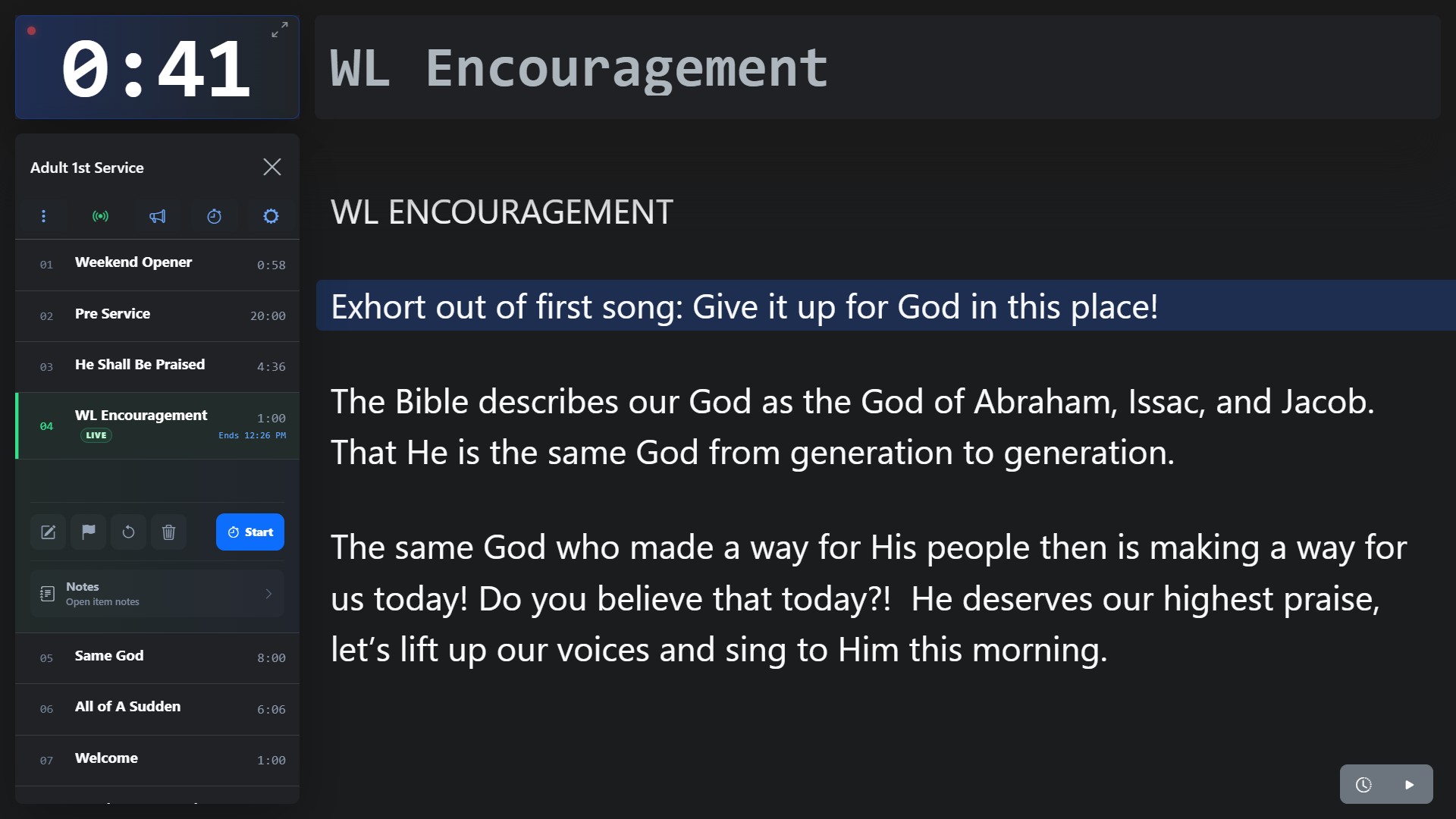
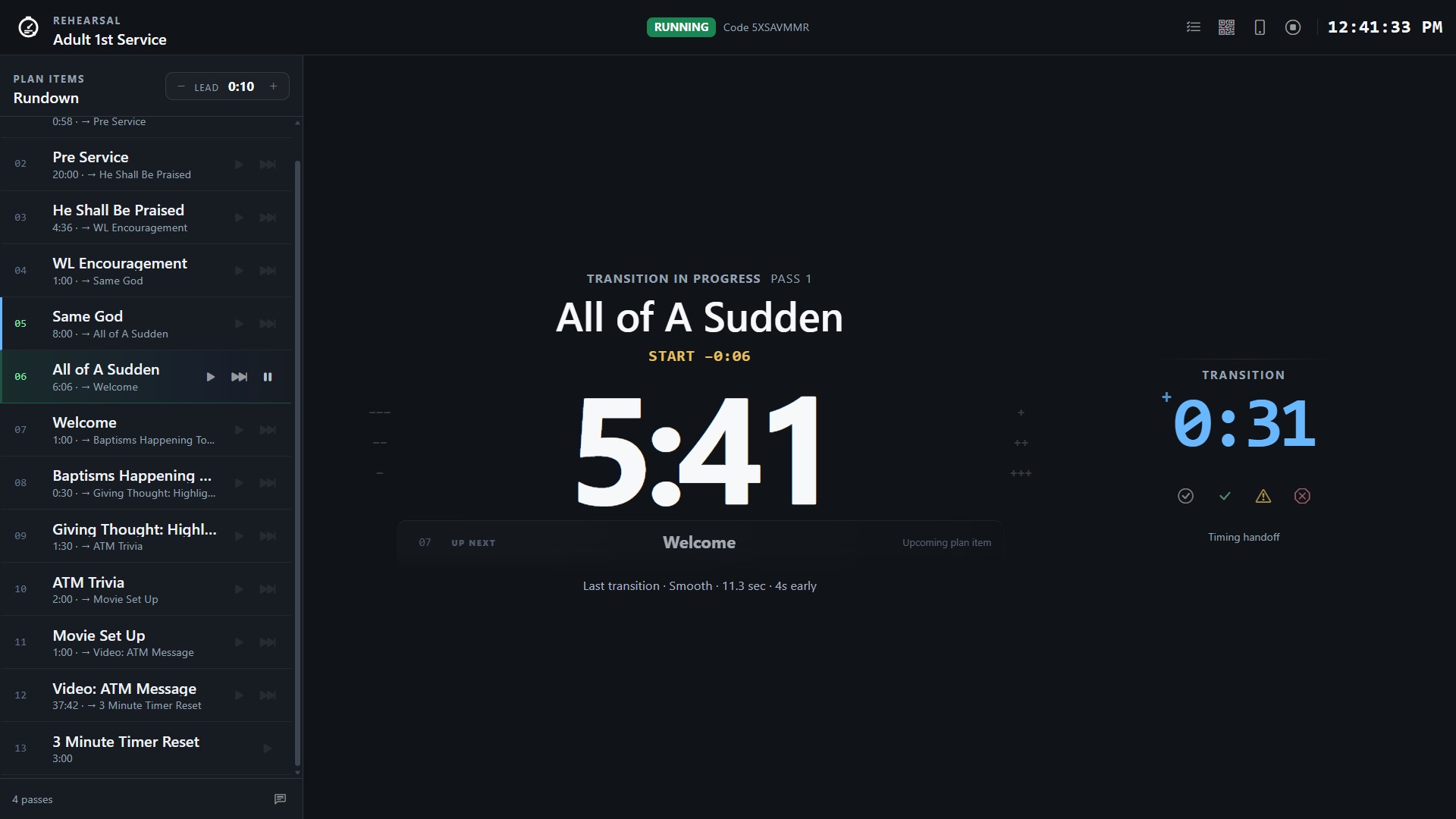
The timer combines plan items, countdown controls, notes, messages, and display settings.
Select Go Live for a plan. The internal plan list can load another plan. Use Management Console in the timer menu to return to the dashboard.
Select the stopwatch beside a plan item. Its configured duration becomes the countdown and its title becomes current. Auto-advance starts the next ordered item at zero.
Add or edit an item’s title, description, minutes, seconds, order, and notes. Remove items only when you intend to permanently delete them.
The notes area shows prepared content for the selected item. Use notes play for automatic scrolling, reload after edits, and open the editor when permitted.
Send a custom alert in a selected color and optionally dismiss it automatically. Expand the timer to fullscreen; the tap-to-close preference controls how it exits.
Visual and interaction preferences are stored in the current browser. Another device can use different settings for the same account.
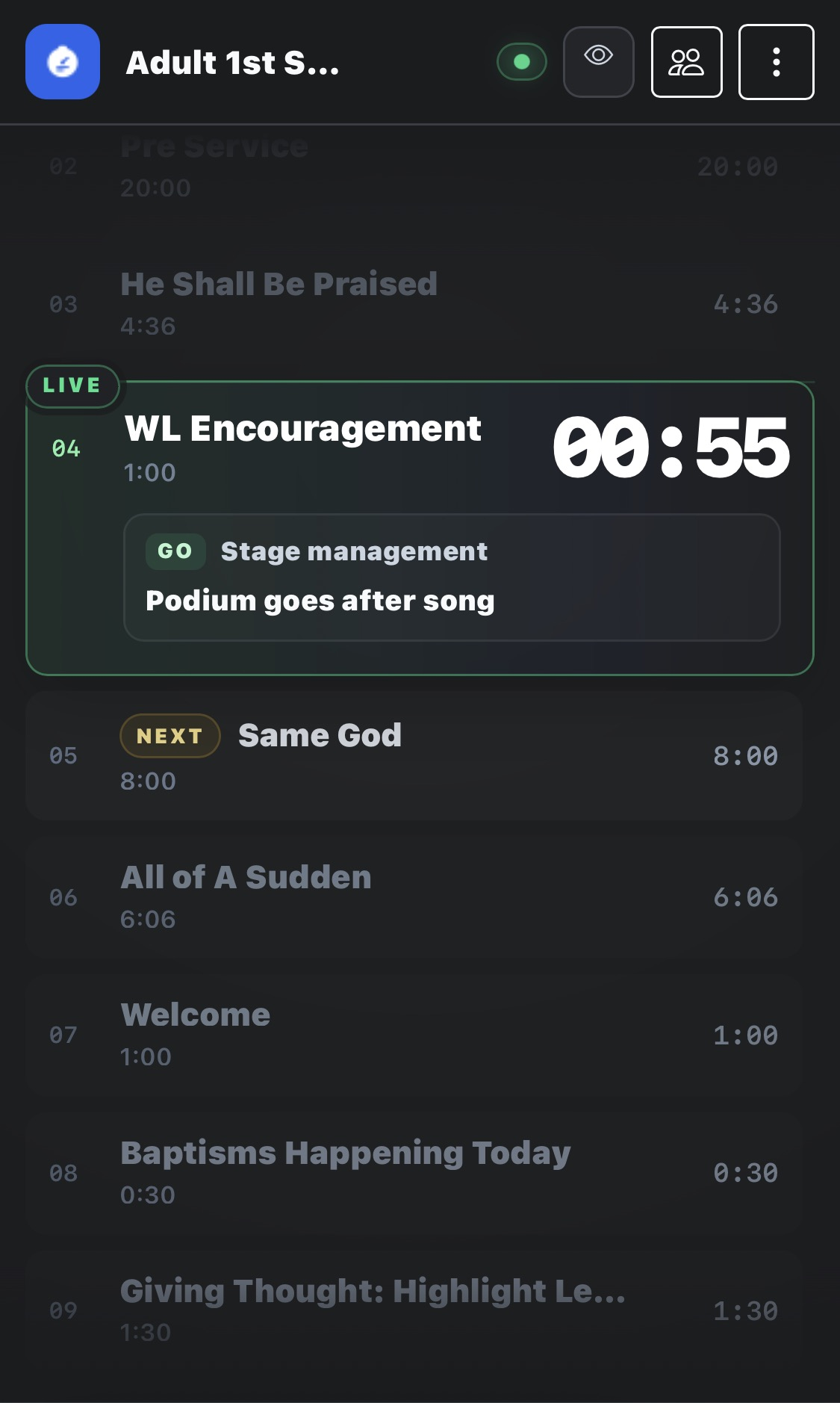
Temporary links share live information without exposing timer or editing controls.
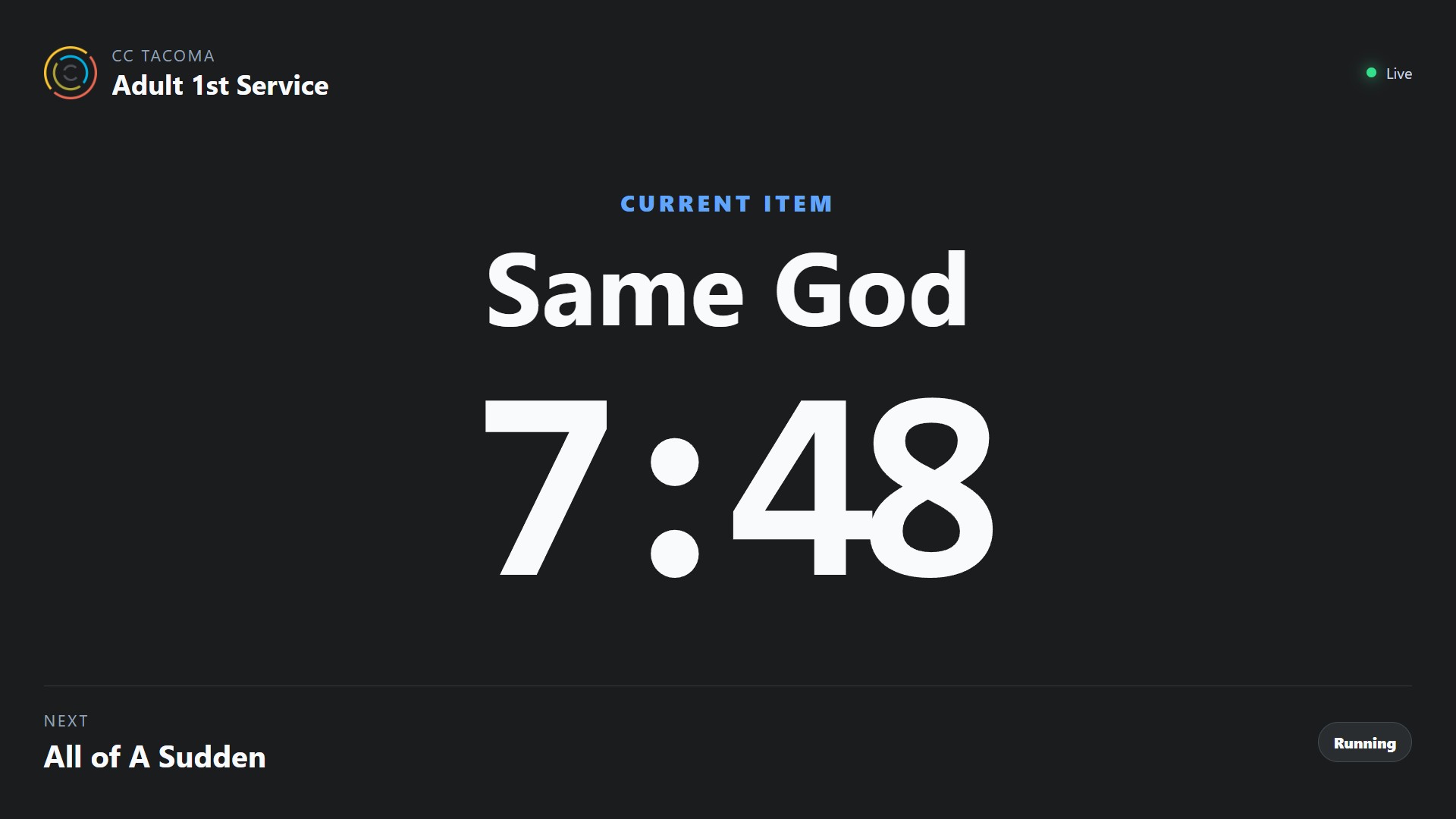
Viewers see the organization, plan, current item, countdown, next item, display message, and running/paused/completed/reconnecting state.
Anyone can visit /display and enter the eight-character code. The link is a read-only bearer link, so share it only with intended viewers.
Each plan gets its own code. Main, Youth, and Kids can run together. Starting the same plan again replaces only that plan’s old session.
Closing a tab, losing network access, or losing power does not immediately end the service.
A recovery snapshot and heartbeat are saved every ten seconds. After 30 seconds without one, dashboards show Disconnected and viewers show Operator reconnecting.
A running countdown continues using server time. If it reaches zero while the operator is absent, it stops without automatically advancing.
End and start over creates a fresh session. Not now returns to the dashboard. Owners/admins can take over. Sessions expire after 12 hours.
Kiosks give installed TVs and tablets permanent links that follow assigned services.
Follows the newest active plan in a selected folder. Best for Main, Youth, or Kids when new plans are created weekly.
Follows one saved plan whenever it is live. Best when the same plan record is reused.
Waits until an owner/admin chooses an active session. Best for shared screens, special events, or simultaneous plans in one folder.
Provide an HTTP/HTTPS image URL and message. The kiosk fades to them between services and returns to the timer automatically.
Bookmark the kiosk URL or configure the device browser to open it at startup. Removing the kiosk invalidates the link.
Owners/admins can configure up to 10 permanent kiosk displays.
Organizations own their plans, folders, subscription, members, and displays.
Search by organization name and request to join, respond to invitation notifications, or create an organization from the switcher.
Owners/admins can update the name, description, timezone, logo URL, default duration, and member permissions according to subscription access.
Pro controls decide whether Members can create/edit plans and operate the live timer. Owners and Administrators keep management access.
The primary owner can transfer ownership. Other members may leave. Disabling an organization removes it from active use.
Users are managed only inside the selected organization.
Invite by email as Administrator or Member. Users can accept or decline. Owners/admins review join requests and cancel pending invitations.
The only top-level manager cannot remove their own authority in a way that leaves the organization unmanaged. Transfer ownership first.
Individual permits one member. Early Access/Pro permits up to 25 active members.
Each organization owns its subscription and feature access.
The primary owner reviews the agreement under Billing & Plan and submits without payment. Staff approval enables complimentary Pro features.
New organizations start on Individual. The owner portfolio shows each subscription, pricing position, members, plans, and future additional-organization pricing.
Update your display name, unique username, and optional HTTP/HTTPS profile-image URL. Email and provider details come from authentication.
Your profile follows you across organizations. Organization roles and permissions are managed separately on Users.
Visible only to configured platform staff and separate from organization roles.
Search organizations, review usage, change non-Stripe subscription types, grant Early Access/manual Pro, and enable or disable organizations.
Approve or deny owner requests. Approval enables complimentary Pro. Decisions enter the staff audit log.
Search platform users, review organization counts and account details, identify staff, and inspect recent staff changes.
Stripe-managed subscriptions cannot be overridden with manual controls and must use the payment workflow.
Check subscription usage, role, and permissions. Individual is limited to two plans and one member.
npm install
npm run migrate
npm run devApply database migrations after replacing project files.
Use the feedback link inside the timer menu to open a pre-addressed support email.
Try a shorter or more general search.