Live Operations
Understand the persistent Live indicator, concurrent services, operator health, and how Live state is shared across ServiceTimer.
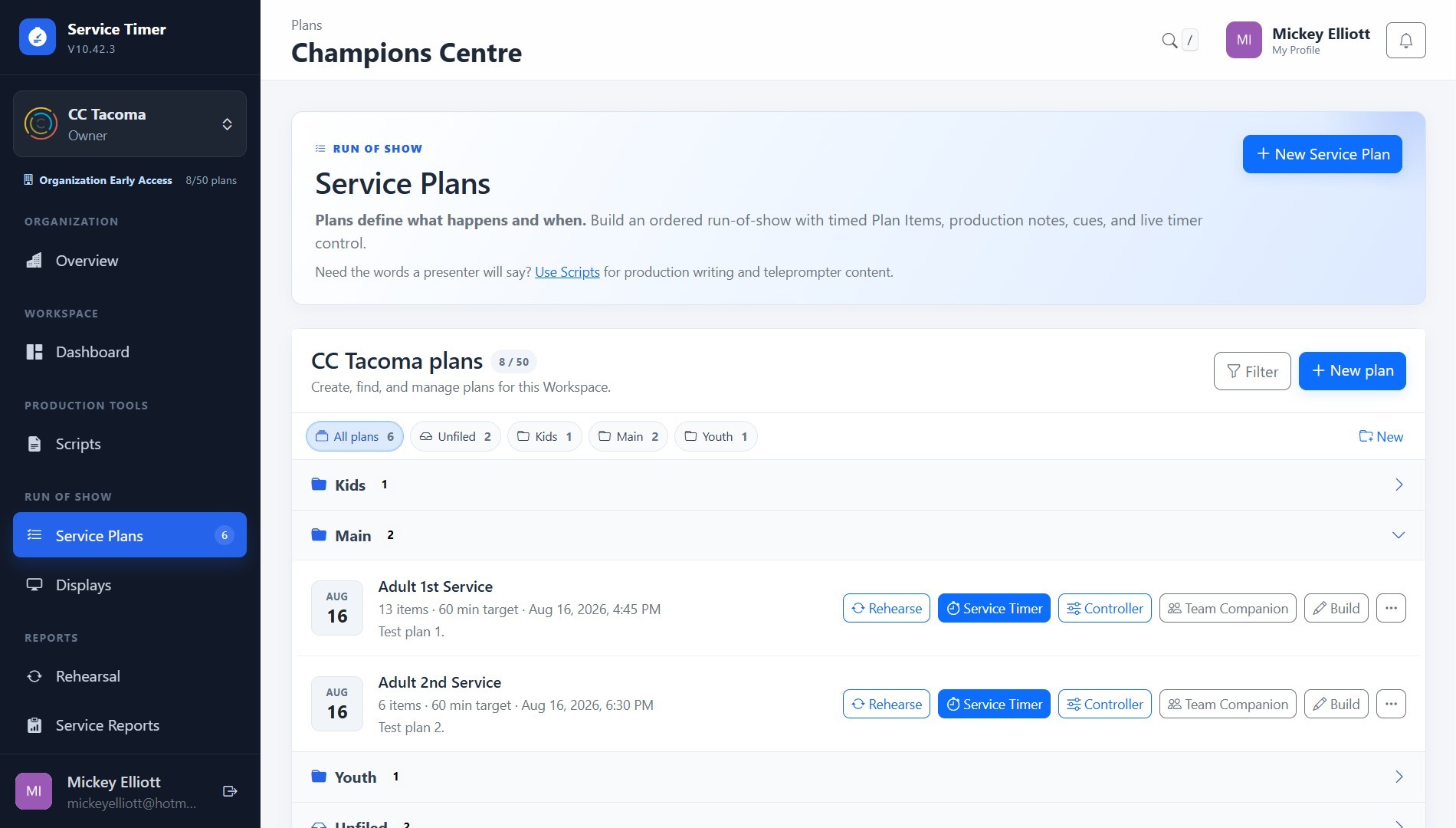
Screenshot coming soon
Core workflow
- 1
Look for the red Live Operations indicator in the authenticated application header.
- 2
Open it to see each accessible active Plan, current item, timer, operator connection state, and next item.
- 3
Use the page-specific context: Plans protect destructive actions, Schedule marks the current item, and Scripts warn when attached Plans are Live.
- 4
Open Service Timer or Controller when you actually need to change live state; the header remains a read-only awareness/navigation surface.
- 5
At the Organization level, concurrent sessions are counted individually—even when more than one Live Service exists in the same Workspace.