Service Timer
Operate the authoritative live countdown, stage notes, Team Ready screen, alerts, auto-advance, overtime, and manual service ending.
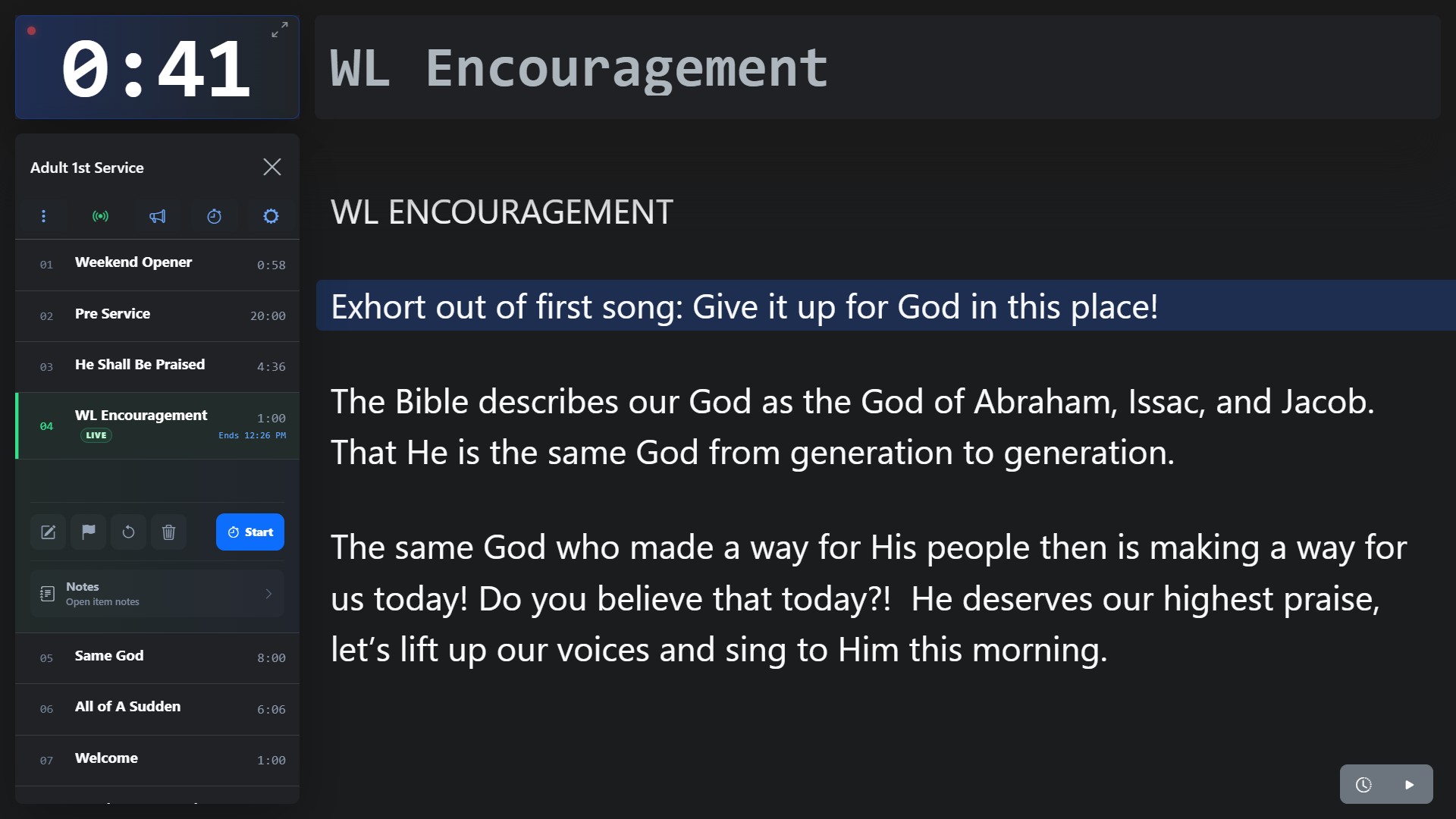
Screenshot coming soon
Core workflow
- 1
Open Service Timer from a Plan and start the Live Service when production is ready.
- 2
Start a Plan Item, pause/resume it, adjust time, or let Auto Advance move through the rundown.
- 3
Use Team Ready as a fixed-screen graphic; it scales to the viewport rather than becoming a scrolling presentation.
- 4
When manually ending the service, choose Cancel, End without report, or End + generate report.