Scripts
Create structured Production or A/V Scripts, attach them to Plans, and stay aware when an attached Plan is currently Live.
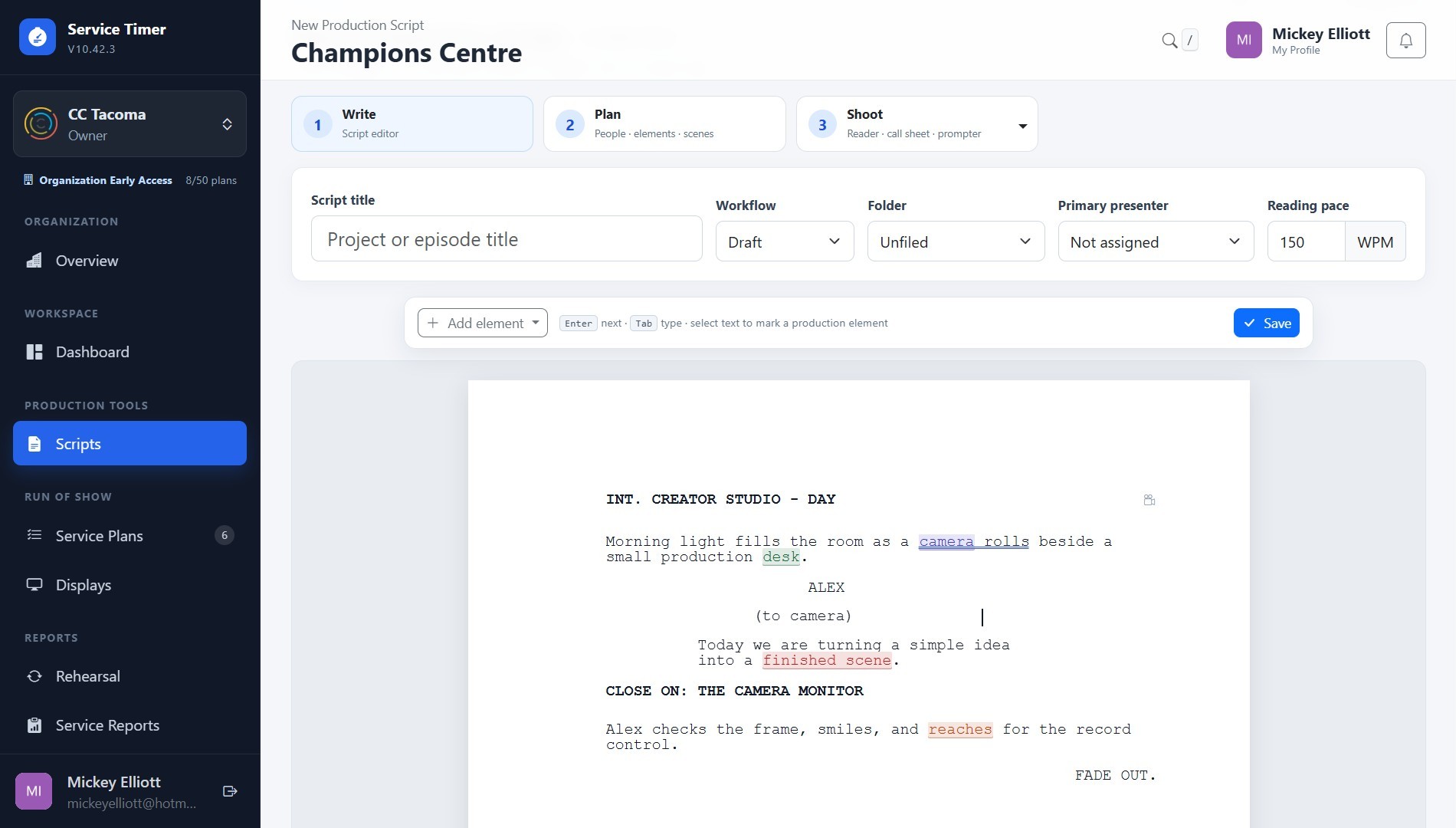
Screenshot coming soon
Core workflow
- 1
Create a Production Script or A/V Script using structured production elements.
- 2
Set the workflow and attach the Script to a Plan Item when it should participate in the run of show.
- 3
Use the Prompter when presenter content needs controlled scrolling, mirroring, sections, or remote control.
- 4
When an attached Plan is Live, use the contextual Live Operations warning before making production-sensitive changes.