Team Companion
Give stage, audio, camera, media, and volunteer teams a phone-friendly live rundown without exposing production controls.
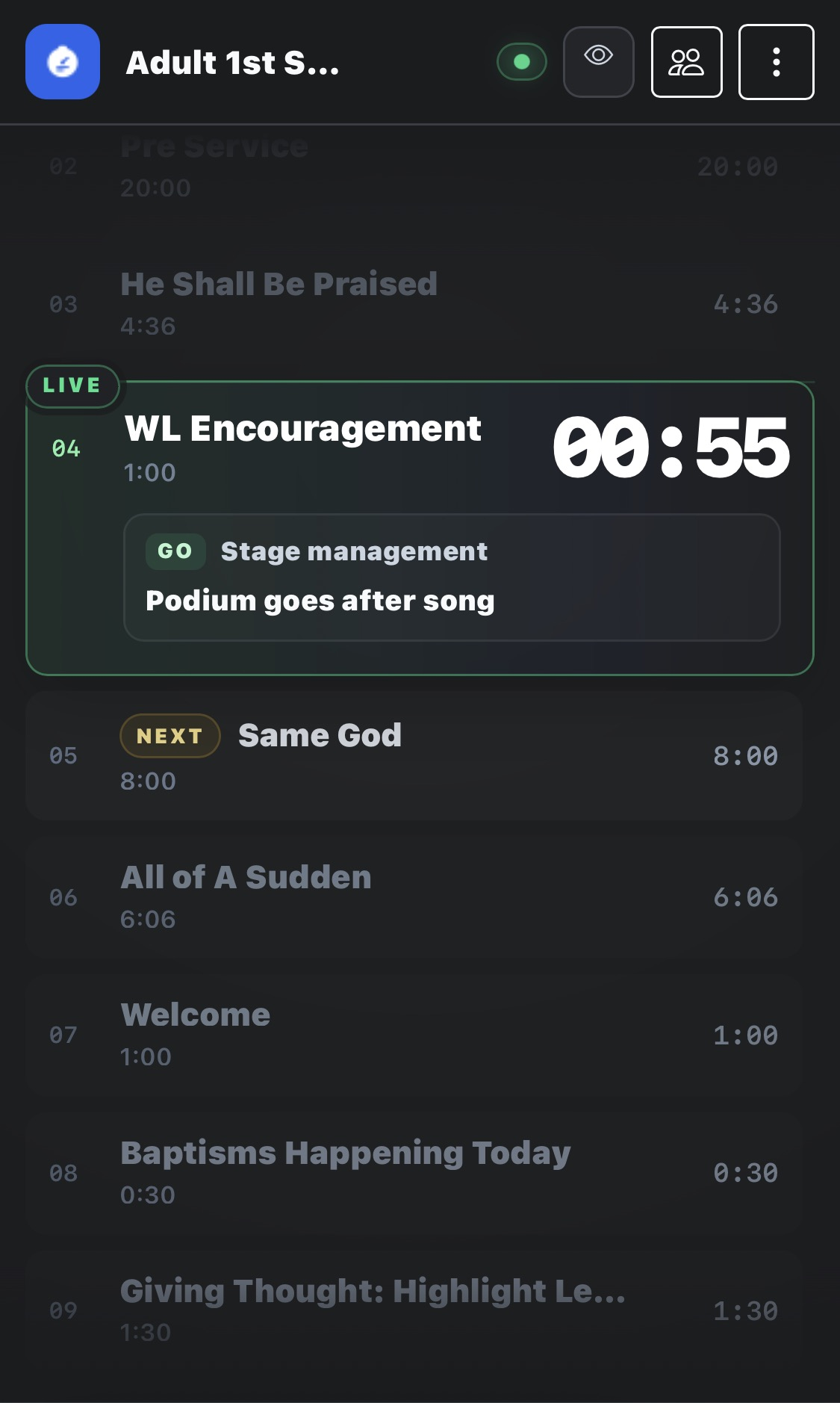
Screenshot coming soon
Core workflow
- 1
Open Team Companion or scan the public Team QR.
- 2
Follow the current Plan Item, remaining time, next item, and cues that matter to the selected team.
- 3
Use Standby and GO cues to communicate production actions; authenticated users can acknowledge cues when required.
- 4
Treat the single anchored LIVE indicator as service state; the current row no longer adds a redundant second LIVE badge.