Controller
Operate a live service as a production queue while preserving explicit control ownership and the authoritative Service Timer state.
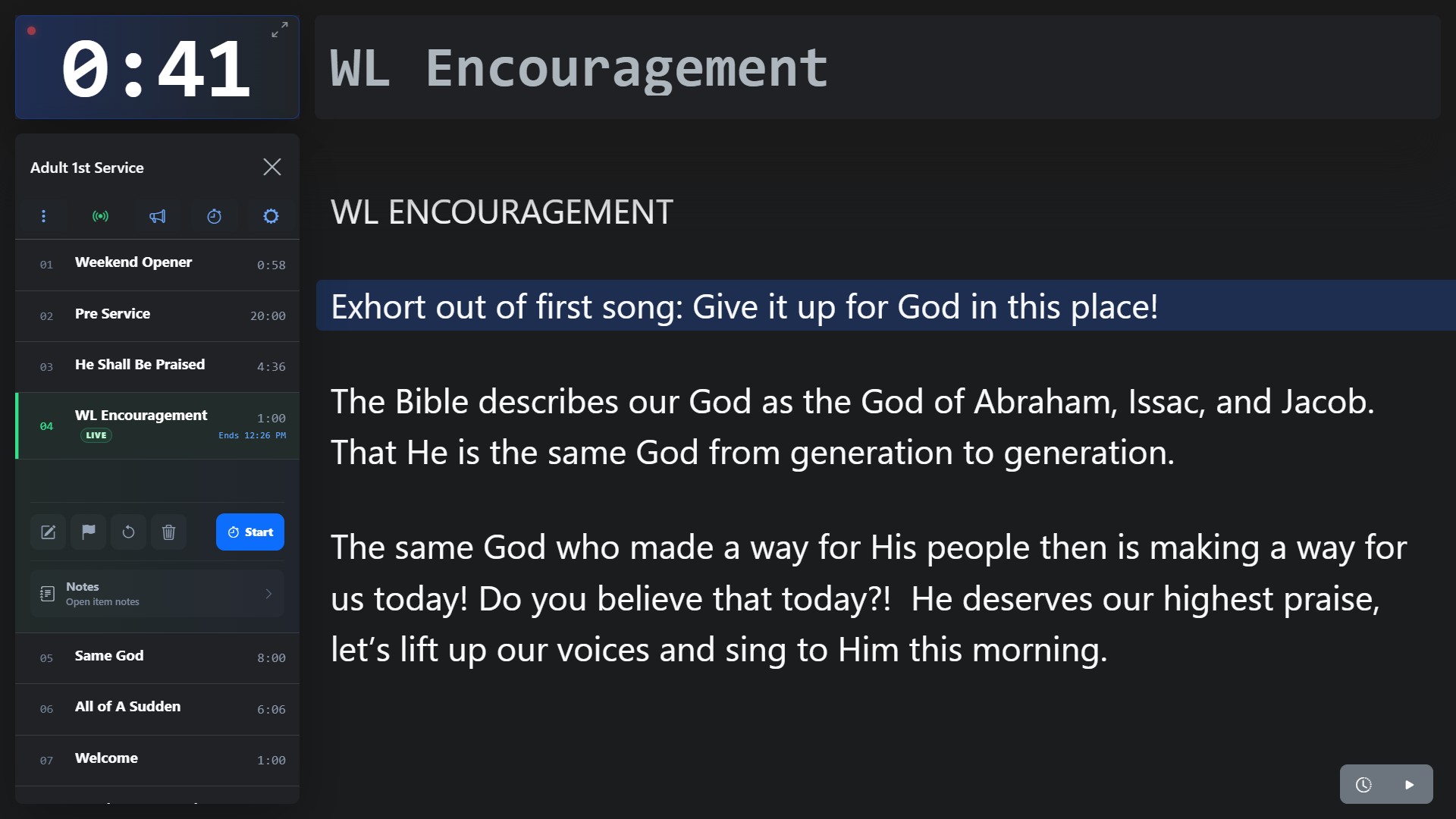
Screenshot coming soon
Core workflow
- 1
Open Controller from the Plan and confirm that the control state identifies you as the active operator before changing the service.
- 2
Select or preview an upcoming rundown item without interrupting the current timer.
- 3
Launch the item only when you intentionally want to move the service forward.
- 4
When ending from Controller, choose whether the completed session should generate a Service Report.