Plans
Build the run of show, organize Plans into folders, and launch the live production surfaces without duplicating Live status UI.
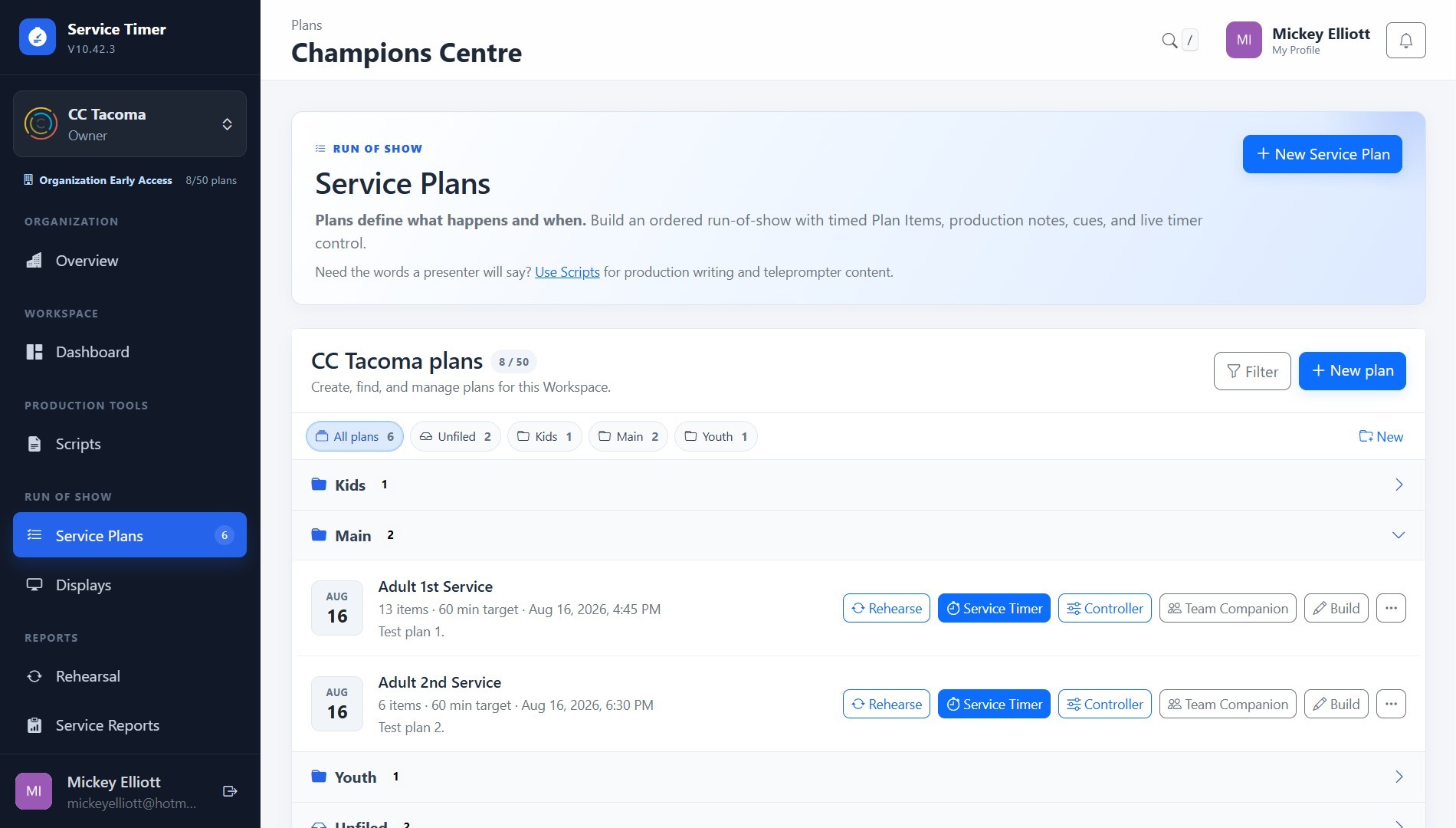
Screenshot coming soon
Core workflow
- 1
Create a Plan or open an existing one and organize it into a folder when useful.
- 2
Build Plan Items with durations, stage content, cues, Scripts, and optional reporting metadata.
- 3
Use Run preflight before opening Service Timer; if the Plan is already Live, preflight reflects the active service and opens the existing Timer instead of implying a new start.
- 4
Drag to reorder Plan Items; dropping an item back in the same position does not save a no-op reorder.