Displays & Kiosks
Publish the current Live Service to backstage, lobby, green-room, and ministry screens without giving those screens operator controls.
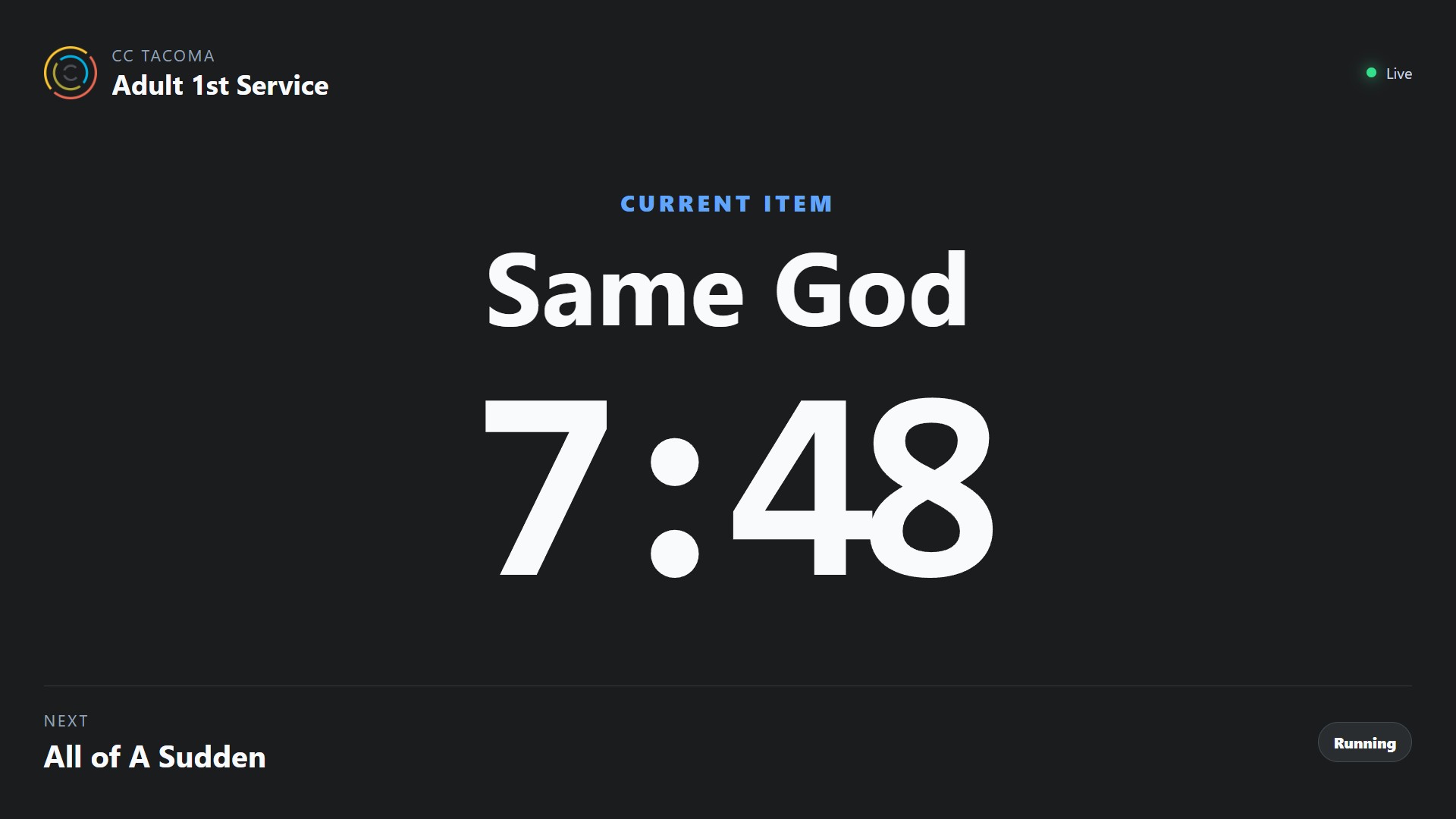
Screenshot coming soon
Core workflow
- 1
Create or configure the Display/Kiosk and assign it to the intended Workspace, folder, or Plan behavior.
- 2
Start Live Service from an operator surface; the Display follows the authoritative session state.
- 3
Use Display Activity for device/connection health while Live Operations answers what service is currently happening.
- 4
Verify the Display continues to follow server-authoritative auto-advance/reconnect state even if an operator browser has a temporary problem.