Dashboard & Live Operations
Use the Dashboard for scheduled work and Display health while the persistent Live Operations header carries active-service awareness across the Workspace.
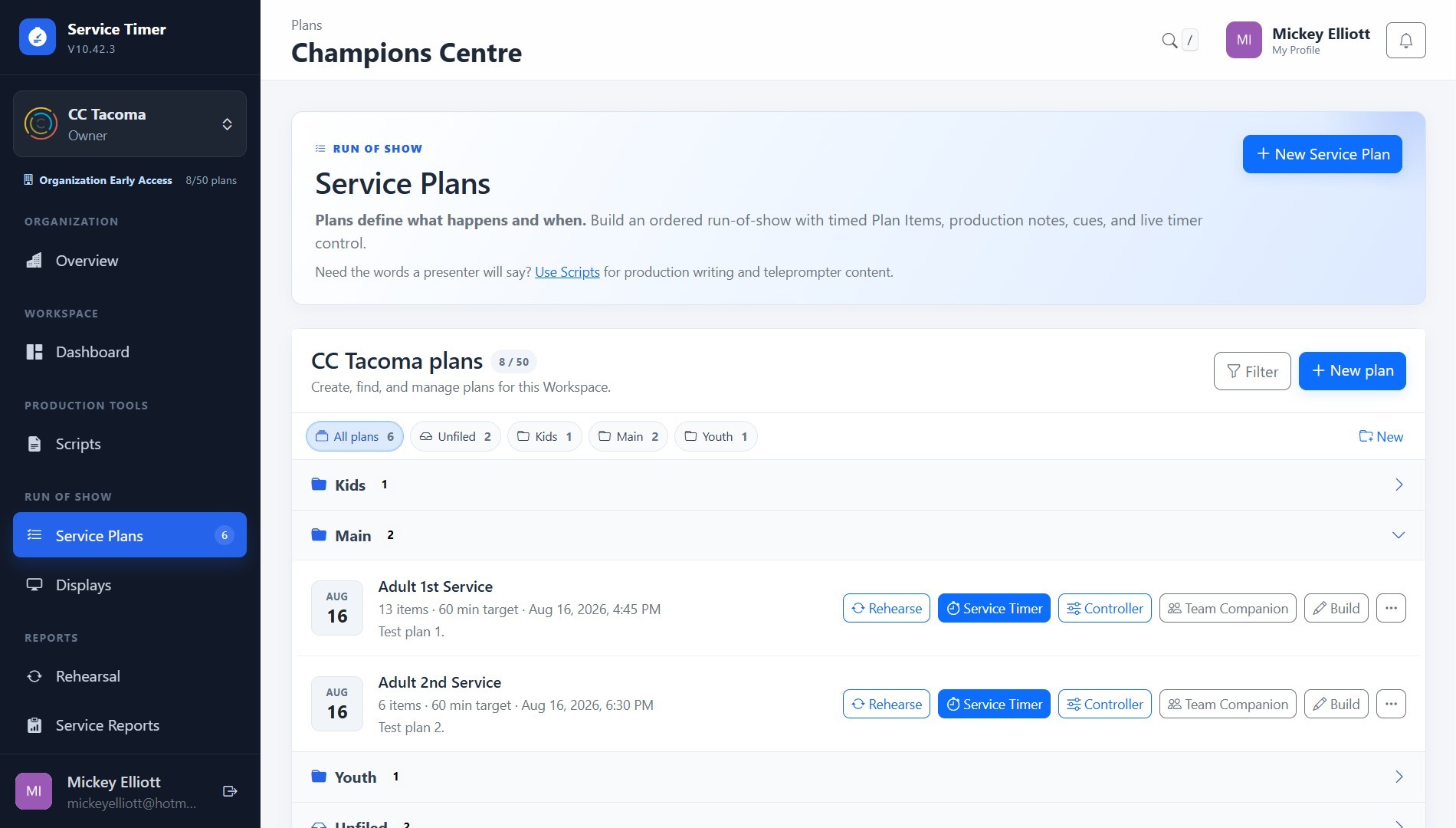
Screenshot coming soon
Core workflow
- 1
Confirm the current Workspace before operating or editing production content.
- 2
Use the persistent Live Operations indicator to see active Plans, current items, timer state, operator connection health, and the next item.
- 3
Use Dashboard Plan Activity as a compact operational summary rather than a second full live-control surface.
- 4
Collapse Schedule folders you do not need while keeping the live header available everywhere.